Wishcare
Wishcare MacBook Privacy Screen Protector – 26° Privacy Filter | Magnetic & Snap-On
Wishcare MacBook Privacy Screen Protector – 26° Privacy Filter | Magnetic & Snap-On
Couldn't load pickup availability
MacBook Privacy Screen Protector with 26° Privacy Viewing Angle
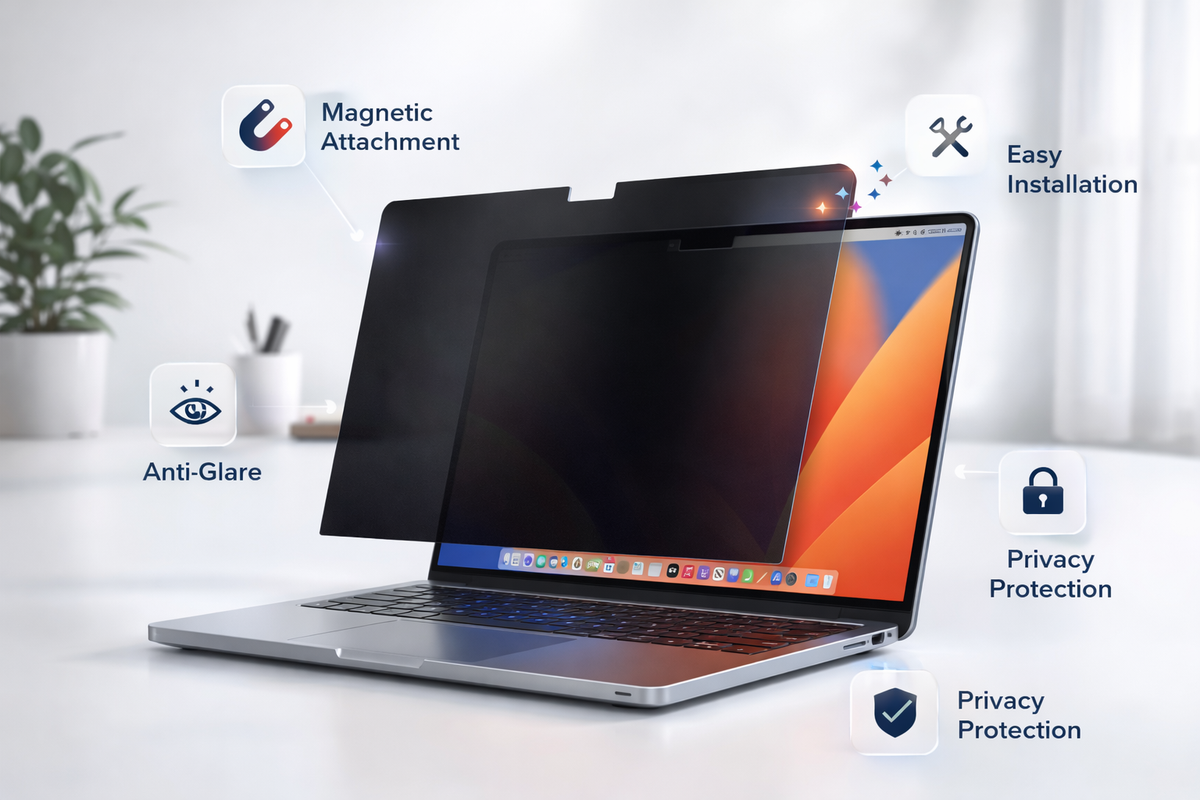
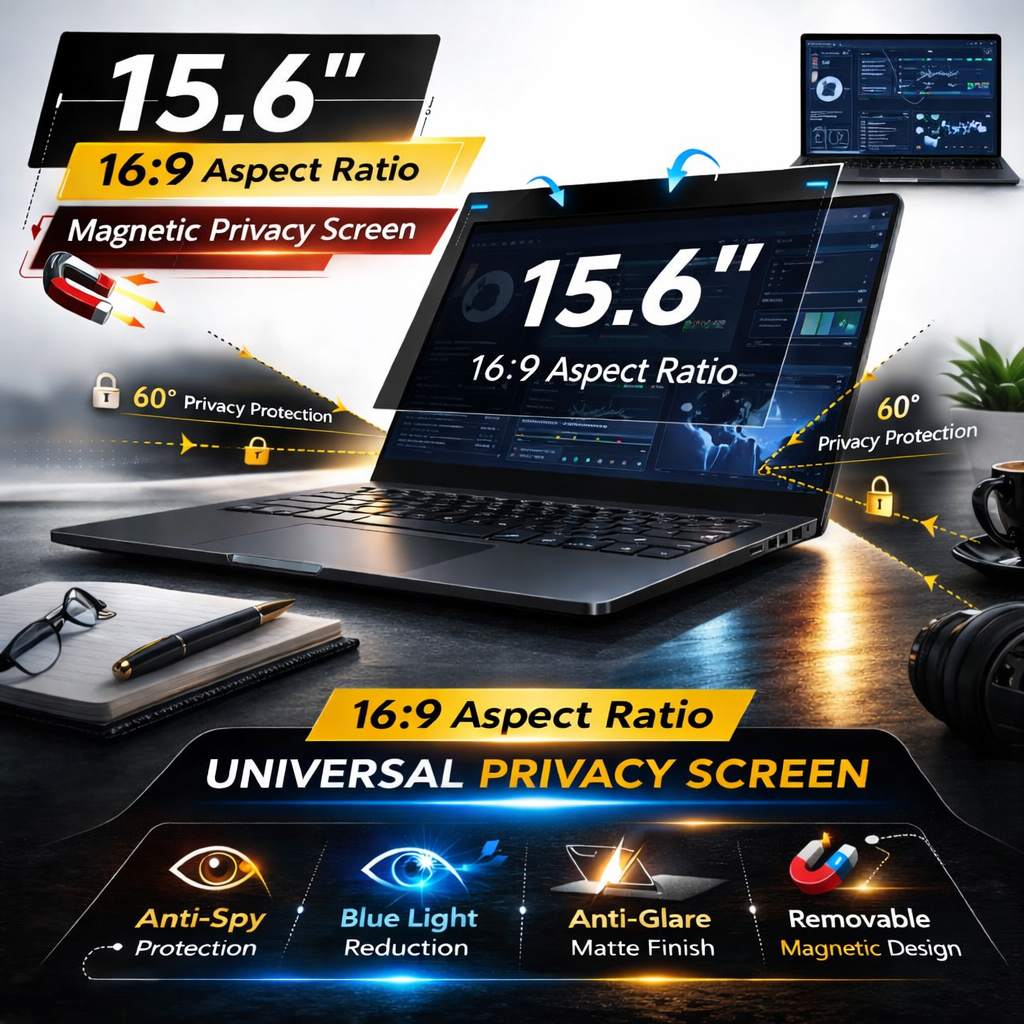
Protect your screen privacy with a MacBook Privacy Screen Protector designed for users who work in offices, cafes, airports, libraries and other shared spaces. This MacBook Privacy Screen Filter features a 26° privacy viewing specification to help restrict unwanted side viewing and provide additional visual privacy while using your MacBook.
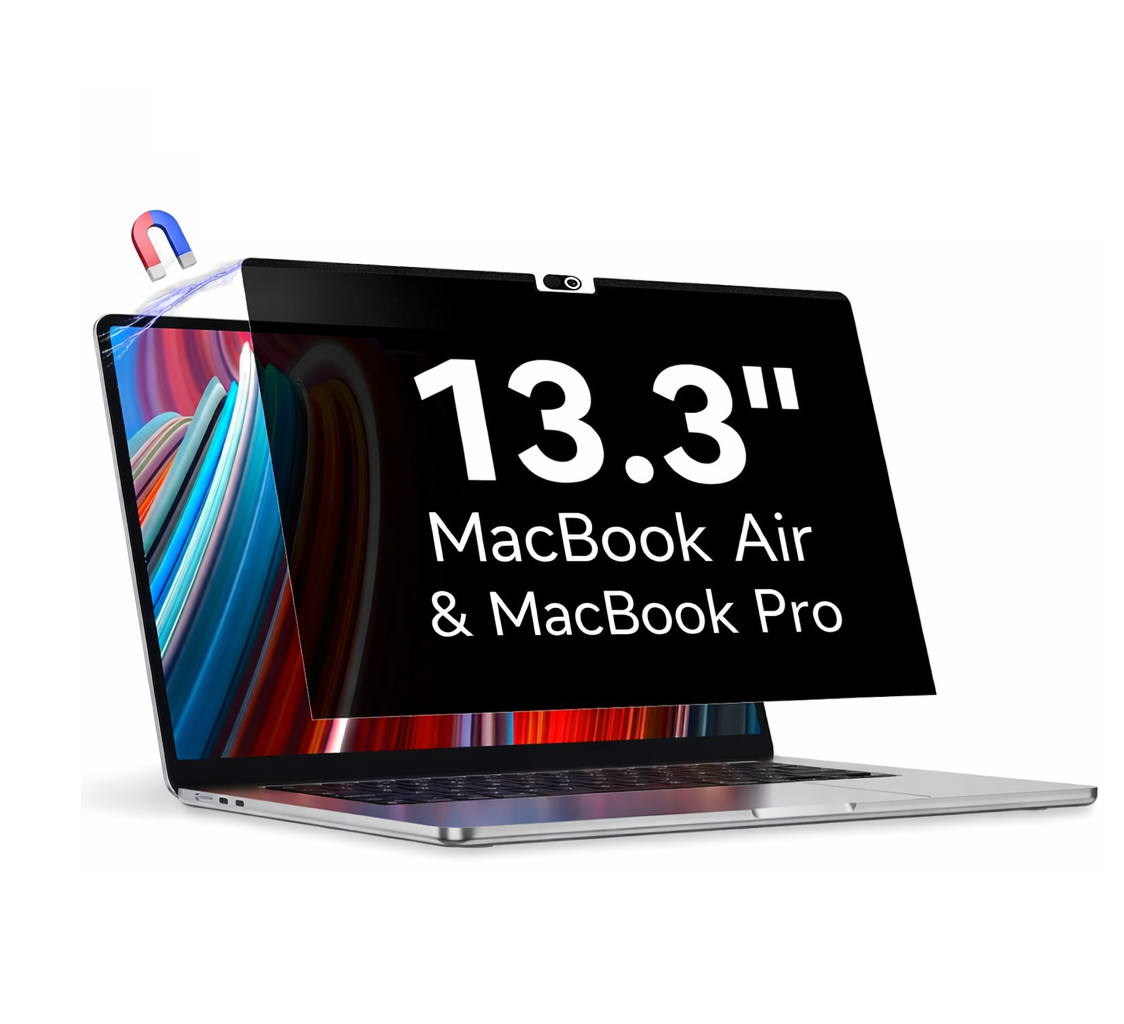
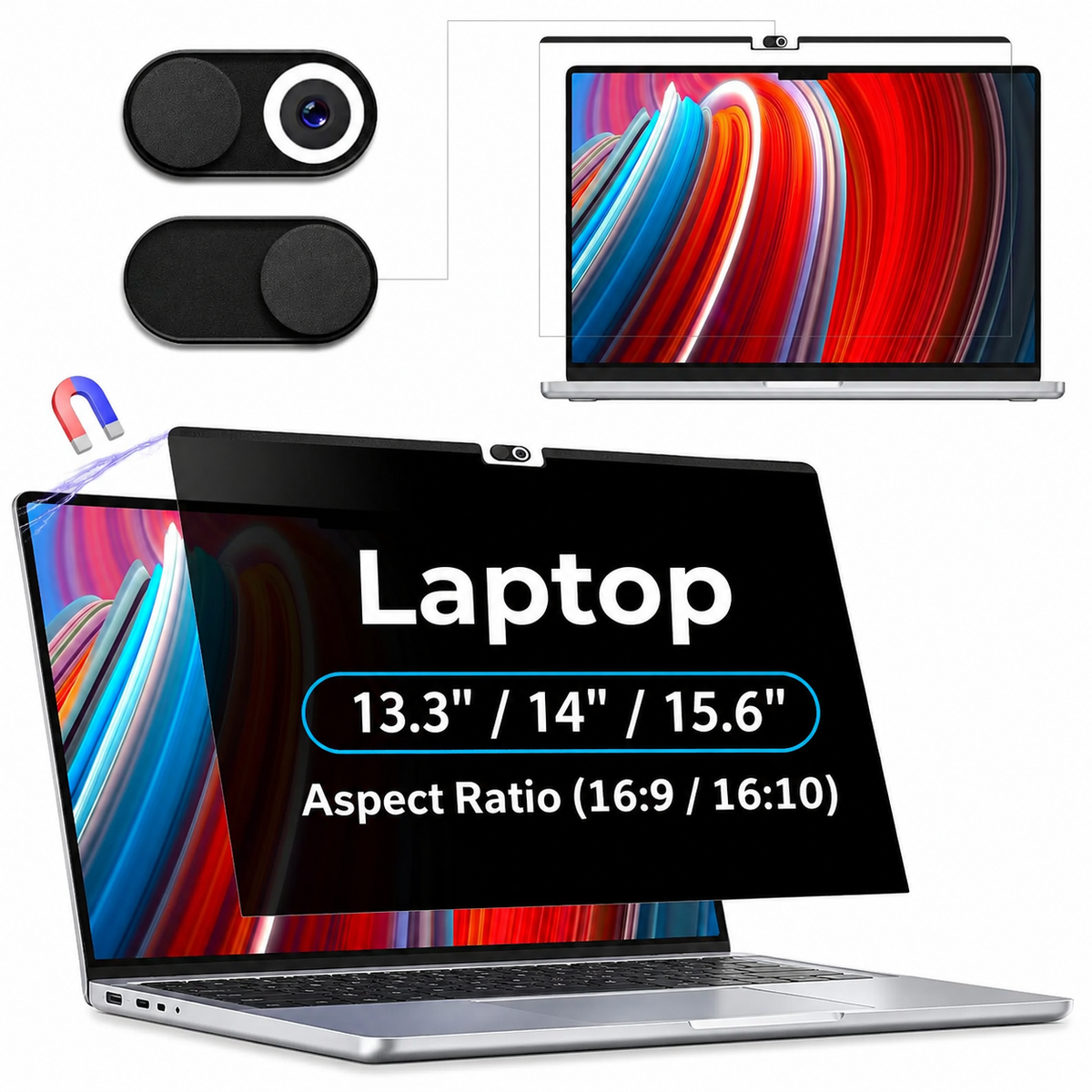
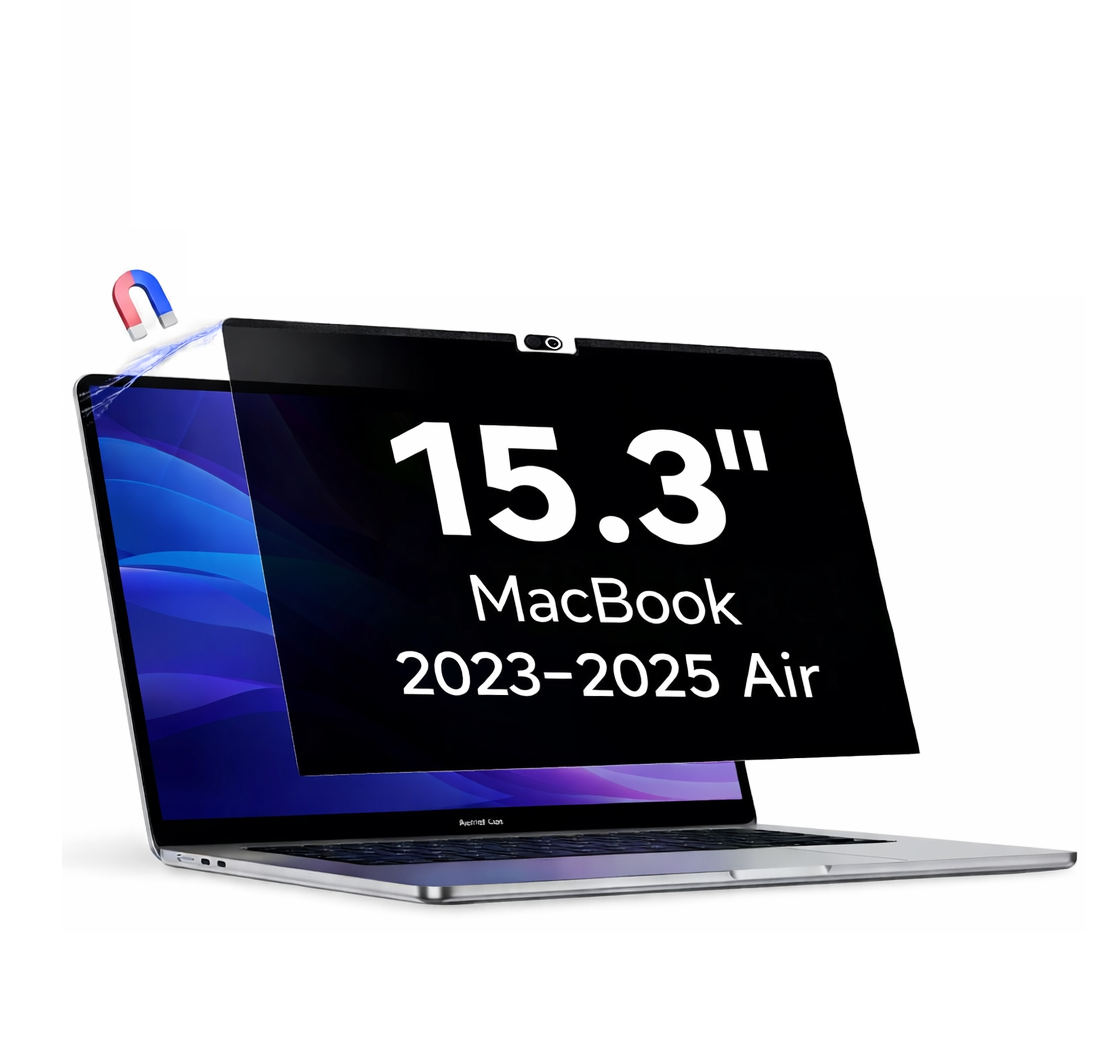
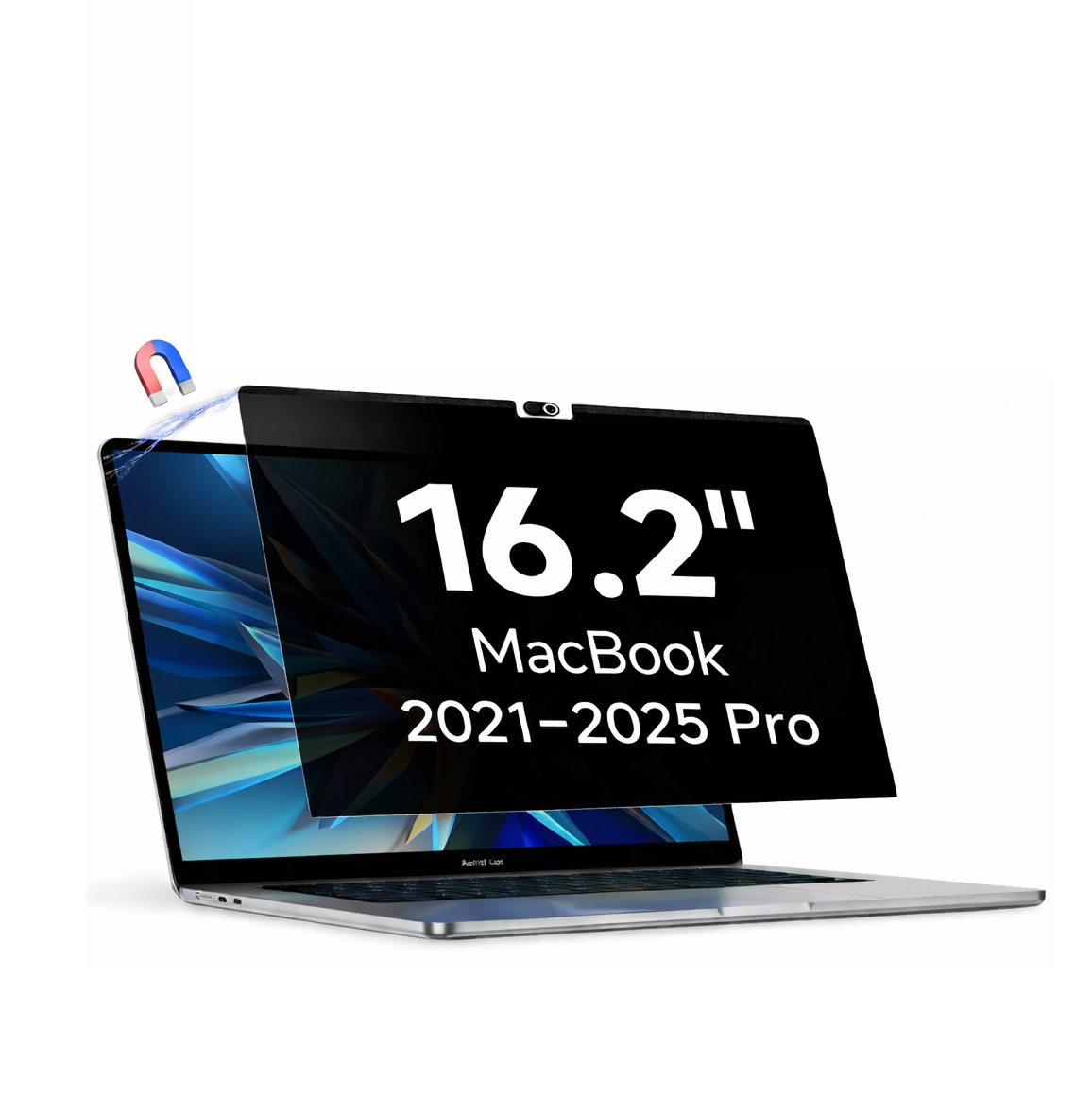
Choose between two removable installation options – Magnetic MacBook Privacy Screen and Snap-On MacBook Privacy Screen. Available in five screen sizes: 13.3-inch, 13.6-inch, 14.2-inch, 15.3-inch and 16.2-inch.
26° Privacy Viewing Angle – Added Screen Privacy
The special 26° privacy viewing specification is designed to help limit visibility from side viewing positions. It is useful when working with emails, business documents, personal information and confidential on-screen content in public or shared environments.
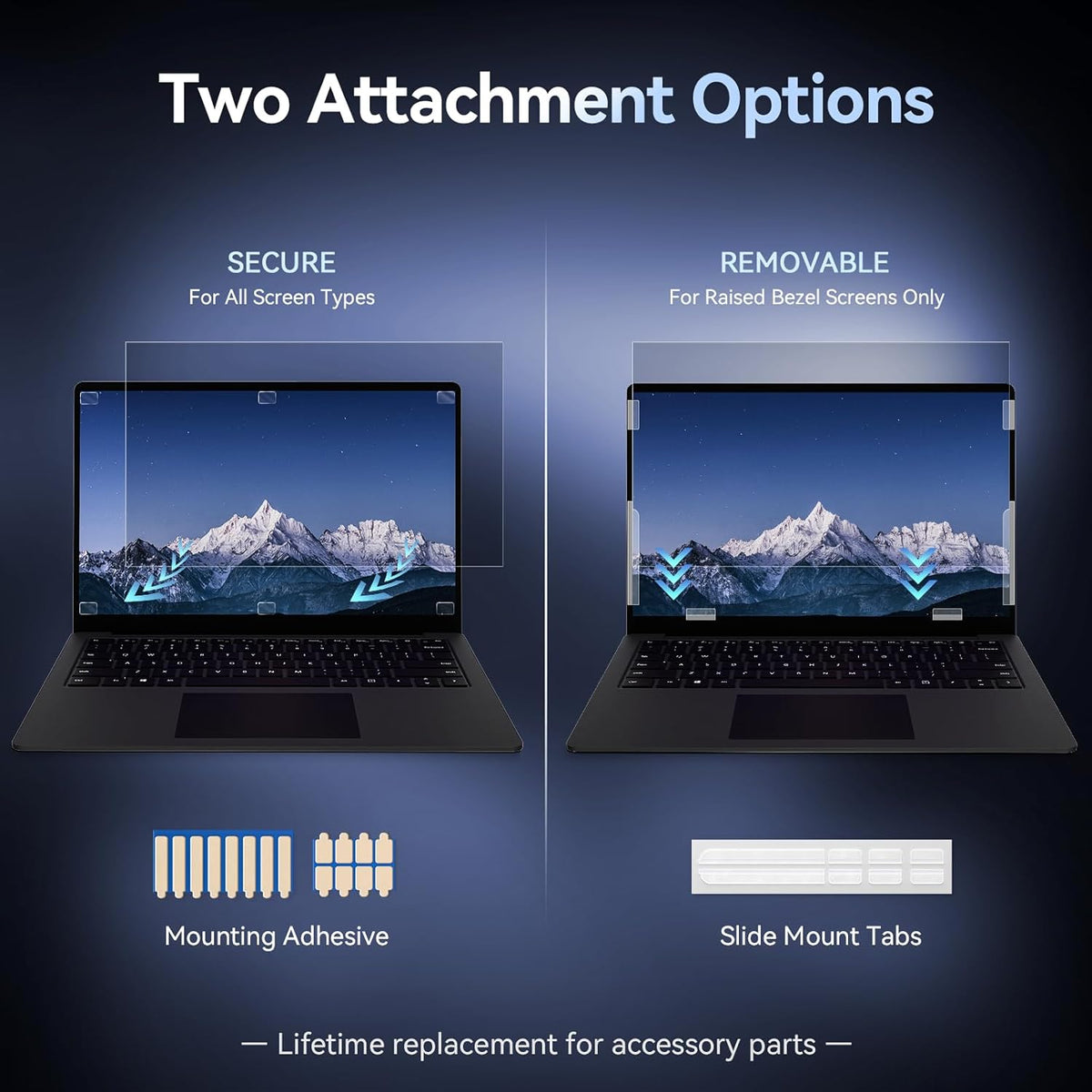
Choose Your MacBook Privacy Screen Installation Type
Magnetic MacBook Privacy Screen Protector
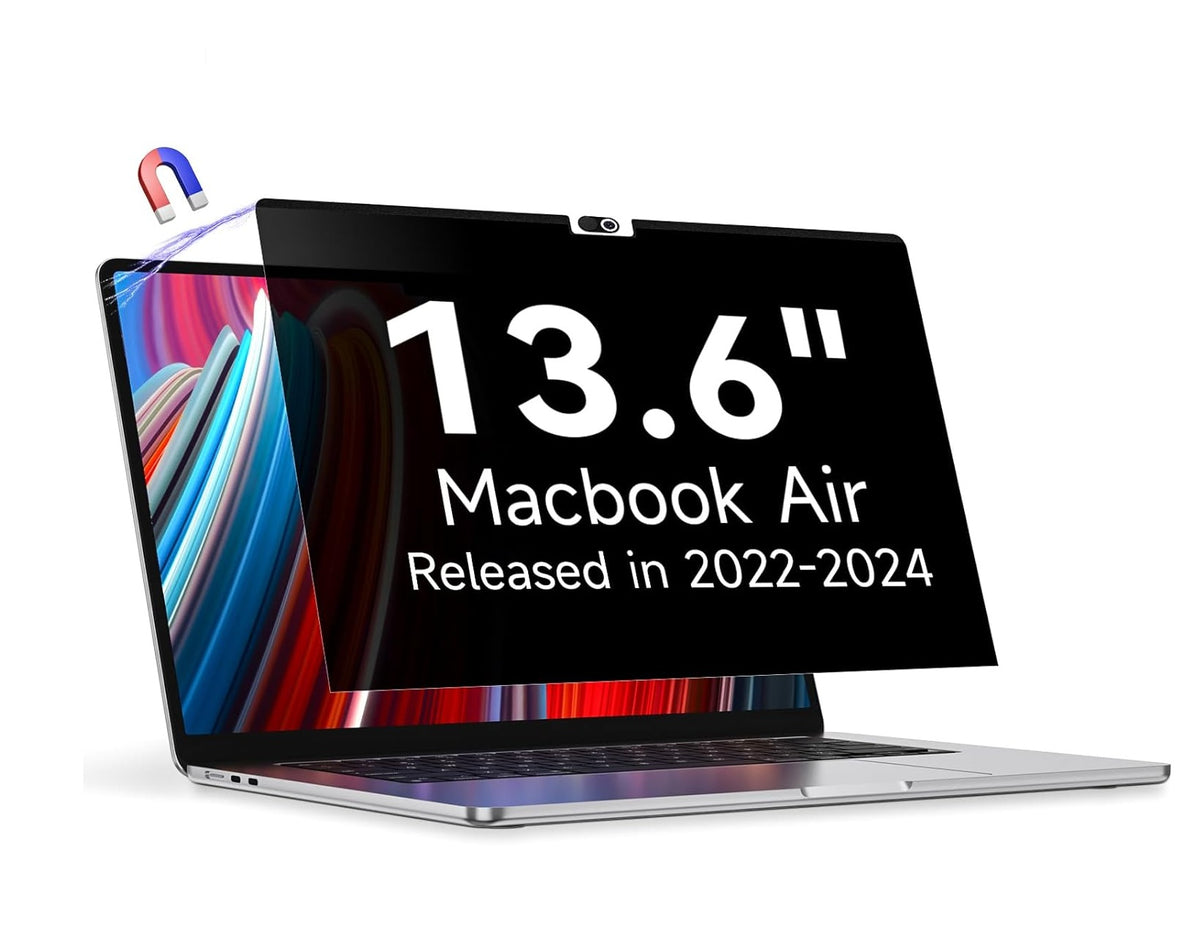
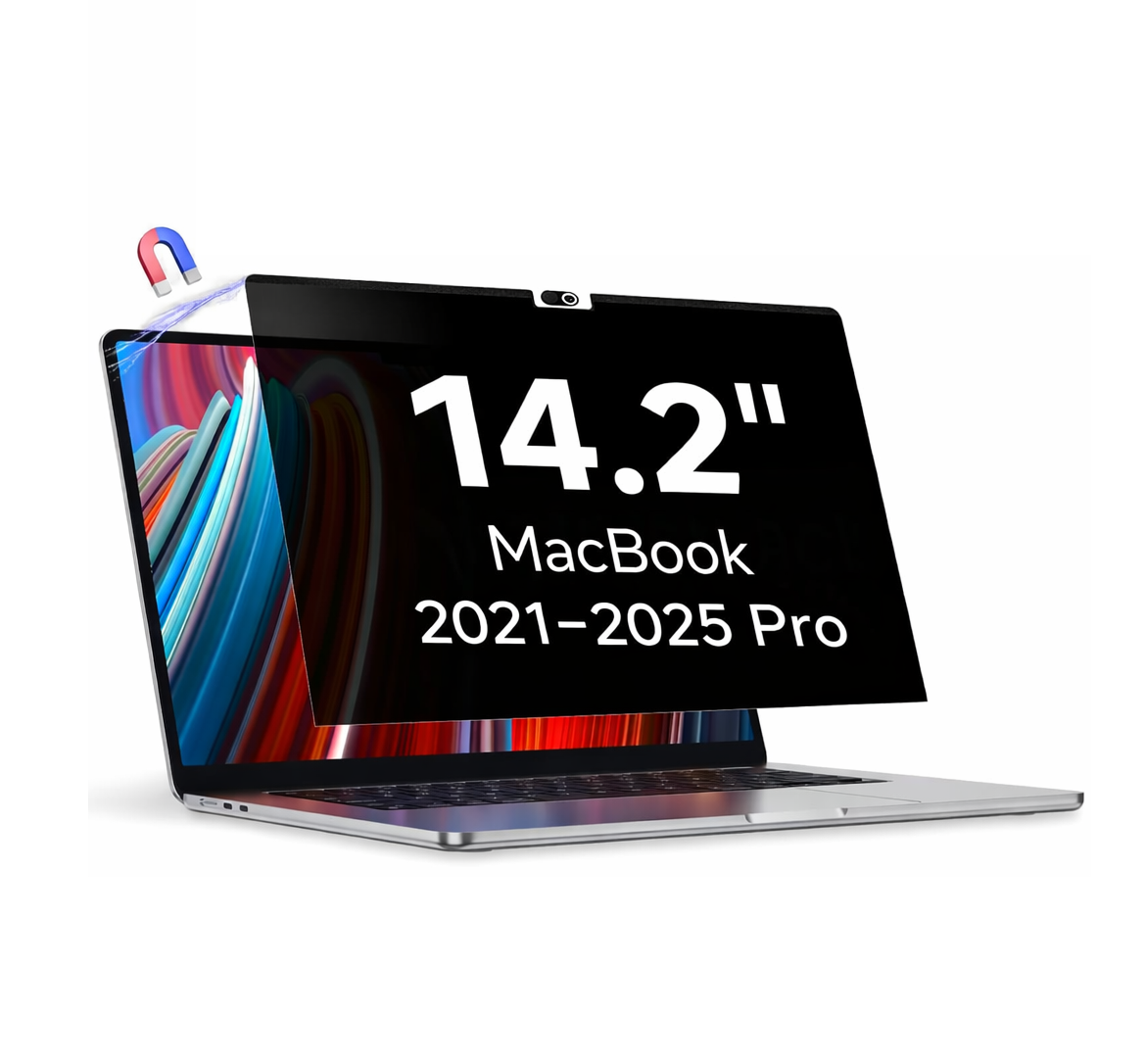
The Magnetic MacBook Privacy Screen uses a magnetic attachment design for compatible MacBook displays. Its removable fitting allows you to attach or remove the privacy filter when required, following the supplied installation instructions.
Snap-On MacBook Privacy Screen Protector
The Snap-On MacBook Privacy Screen features a snap-on attachment design for compatible MacBook displays. It is also removable and provides an alternative fitting option for users who prefer a snap-on installation.
Available MacBook Privacy Screen Sizes
Choose the correct MacBook Privacy Screen Filter from five available display size options:
- 13.3 Inch MacBook Privacy Screen
- 13.6 Inch MacBook Privacy Screen
- 14.2 Inch MacBook Privacy Screen
- 15.3 Inch MacBook Privacy Screen
- 16.2 Inch MacBook Privacy Screen
All five listed sizes are available in both Magnetic and Snap-On installation types. Check the exact MacBook model and display dimensions before ordering to ensure compatibility.
Choose Your Privacy Filter Function
Privacy Only
The Privacy Only MacBook Screen Filter focuses on visual privacy. It is designed to help reduce unwanted side viewing when using your MacBook in public places, offices and shared workspaces.
Privacy + Anti Blue Light
The Privacy + Anti Blue Light option combines privacy-screen functionality with an anti-blue-light filtering feature. Choose this option if you want both features in one screen filter.
Why Choose This MacBook Privacy Screen Protector?
- 26° Privacy Specification: Designed to help limit unwanted side viewing.
- Two Installation Options: Choose Magnetic or Snap-On.
- Removable Design: Both installation types are removable.
- Five Screen Sizes: 13.3, 13.6, 14.2, 15.3 and 16.2 inches.
- Filter Function Options: Privacy Only and Privacy + Anti Blue Light, where available.
- Everyday Privacy: Suitable for offices, travel, cafes and shared workspaces.
MacBook Privacy Screen Compatibility Guide
Before purchasing a MacBook Privacy Screen Protector, check your exact MacBook model, model year, display size and screen dimensions. MacBook models with similar advertised screen sizes may have different display dimensions or fitting requirements.
Select the correct screen size and installation type from the available product variants. Compatibility should be confirmed against the product's supported model details.
Buy MacBook Privacy Screen Protector Online
Choose a suitable MacBook Privacy Screen Protector with 26° Privacy Viewing Specification. Explore Magnetic and Snap-On removable privacy filters in five available sizes and select the filter function that matches your requirements.
Frequently Asked Questions
What is a MacBook Privacy Screen Protector?
A MacBook Privacy Screen Protector is a display filter designed to help restrict side viewing, making it harder for people beside you to see your screen content.
What does the 26° privacy viewing specification mean?
It is the stated privacy viewing specification of this product, designed to help limit unwanted side viewing. Refer to the product's technical specifications for the exact viewing-angle measurement method.
Are Magnetic and Snap-On options available?
Yes. Both Magnetic and Snap-On installation options are available in the five listed sizes, subject to the selected variant's stock availability.
Can the MacBook Privacy Screen be removed?
Yes. Both Magnetic and Snap-On versions are removable. Follow the supplied installation and removal instructions.
Which sizes are available?
The available sizes are 13.3, 13.6, 14.2, 15.3 and 16.2 inches.
What is the difference between Privacy Only and Privacy + Anti Blue Light?
Privacy Only focuses on visual privacy, while Privacy + Anti Blue Light combines privacy functionality with an anti-blue-light filtering feature.
How do I select the correct MacBook privacy filter?
Check your exact MacBook model, model year and display dimensions before selecting the matching screen size and installation type.
Share