Wishcare
Wishcare MacBook Privacy Screen Protector with Anti Blue Light – 26° Privacy Filter | Magnetic & Snap-On
Wishcare MacBook Privacy Screen Protector with Anti Blue Light – 26° Privacy Filter | Magnetic & Snap-On
Couldn't load pickup availability
MacBook Privacy Screen Protector with Anti Blue Light – 26° Privacy Filter
Keep your MacBook screen more private while adding an extra layer of blue light filtering with our MacBook Privacy Screen Protector with Anti Blue Light. Specially designed for compatible MacBook displays, this advanced screen filter combines 26° Privacy Filtering and Anti Blue Light Filtering Technology in one convenient solution.
Whether you are working on confidential business documents, attending online meetings, studying, browsing or travelling with your MacBook, this dual-function screen filter helps restrict side-angle screen visibility while filtering blue light emitted from the display.
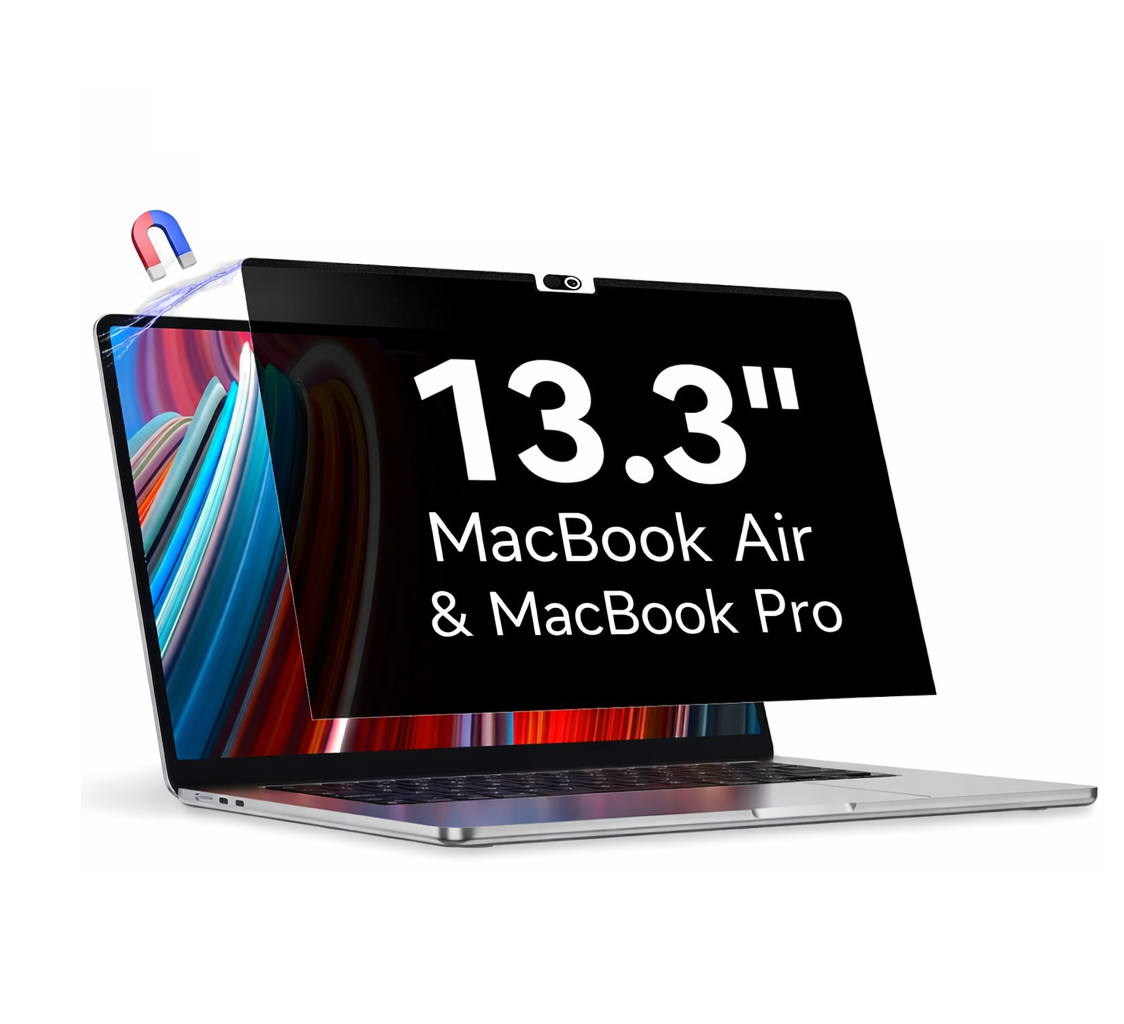
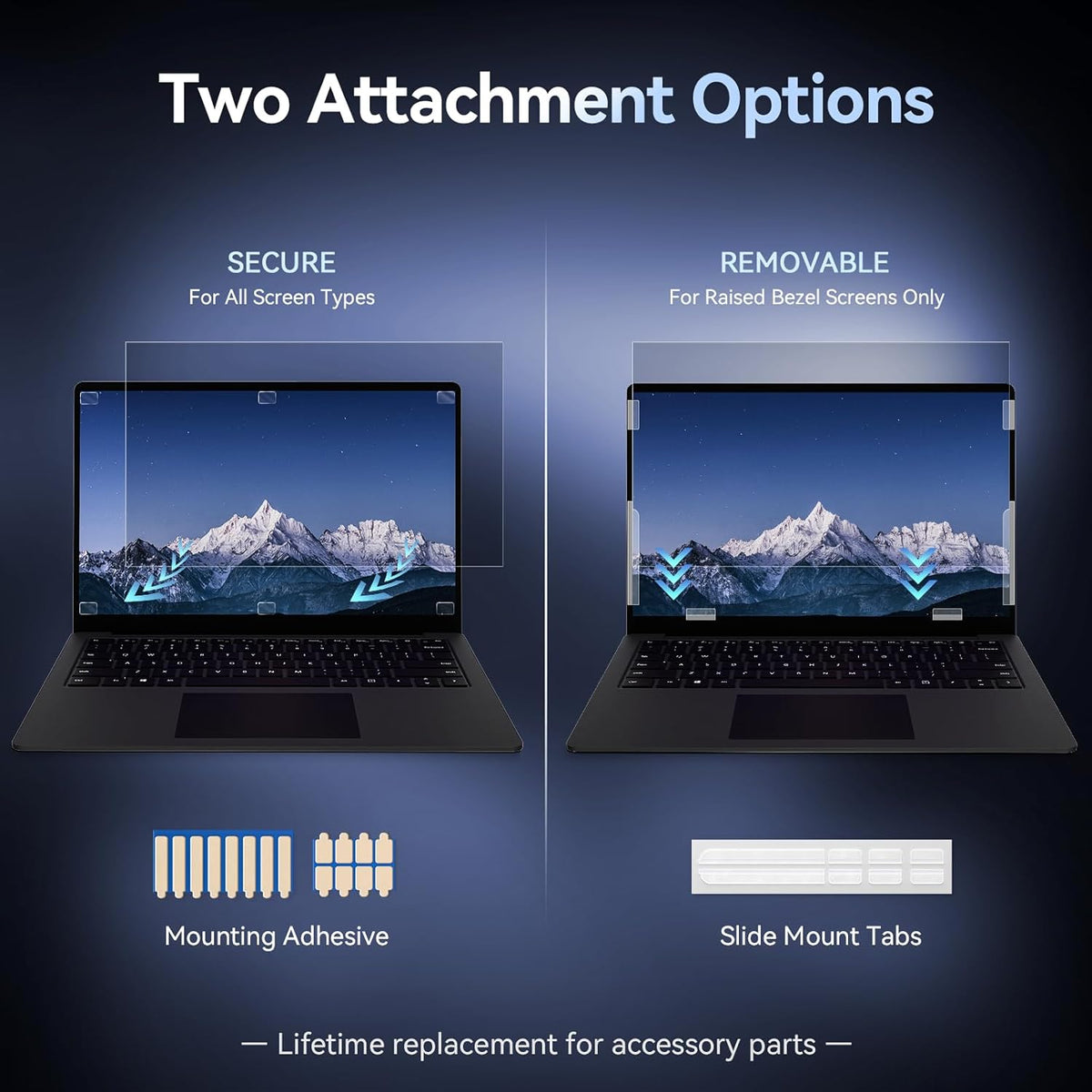
Available in Magnetic and Snap-On fitting options, it offers convenient attachment and a removable design. Choose the correct size and fitting option according to your MacBook display.
Two Essential Features in One MacBook Screen Filter
1. 26° MacBook Privacy Screen Filter – Keep Your Screen Private
Your MacBook may contain important business documents, personal information, emails, financial records, presentations and confidential work. When using your MacBook in public places or shared working environments, people sitting beside you may be able to see your screen.
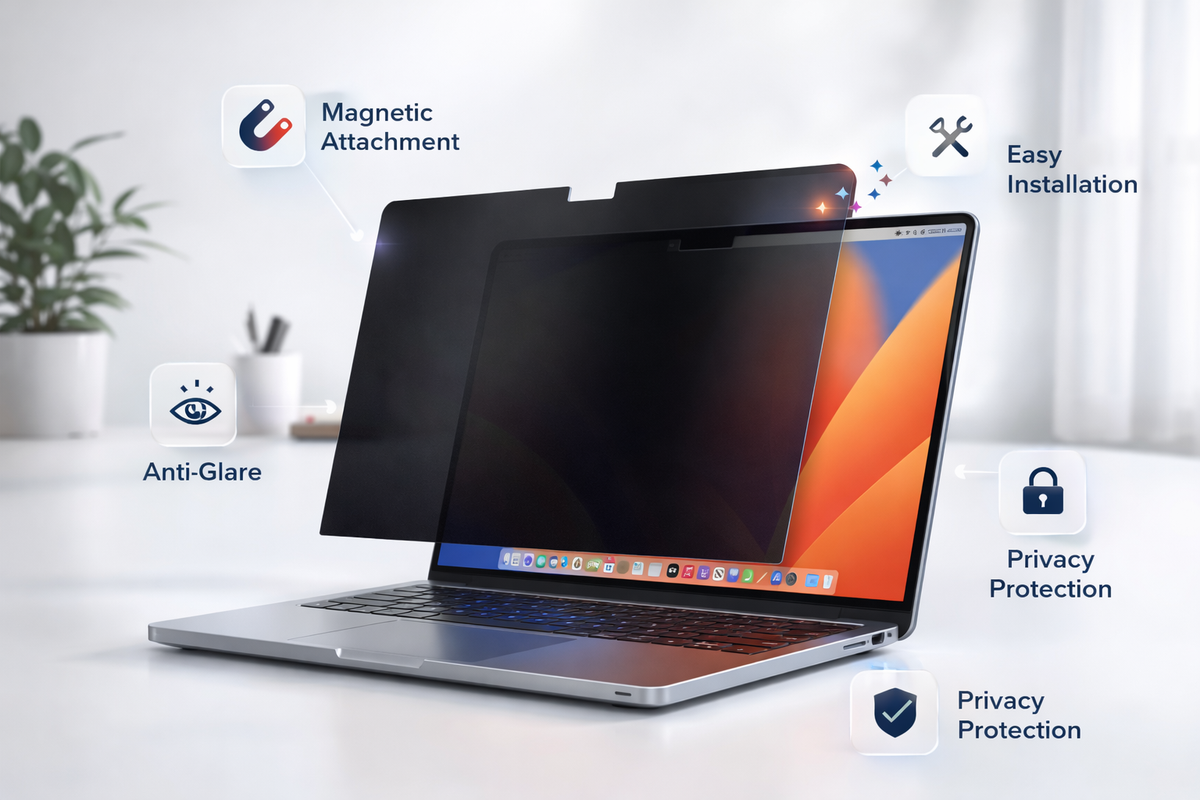
The integrated 26° Privacy Filter is designed to restrict screen visibility from side viewing angles, helping protect your on-screen information from unwanted side viewing.
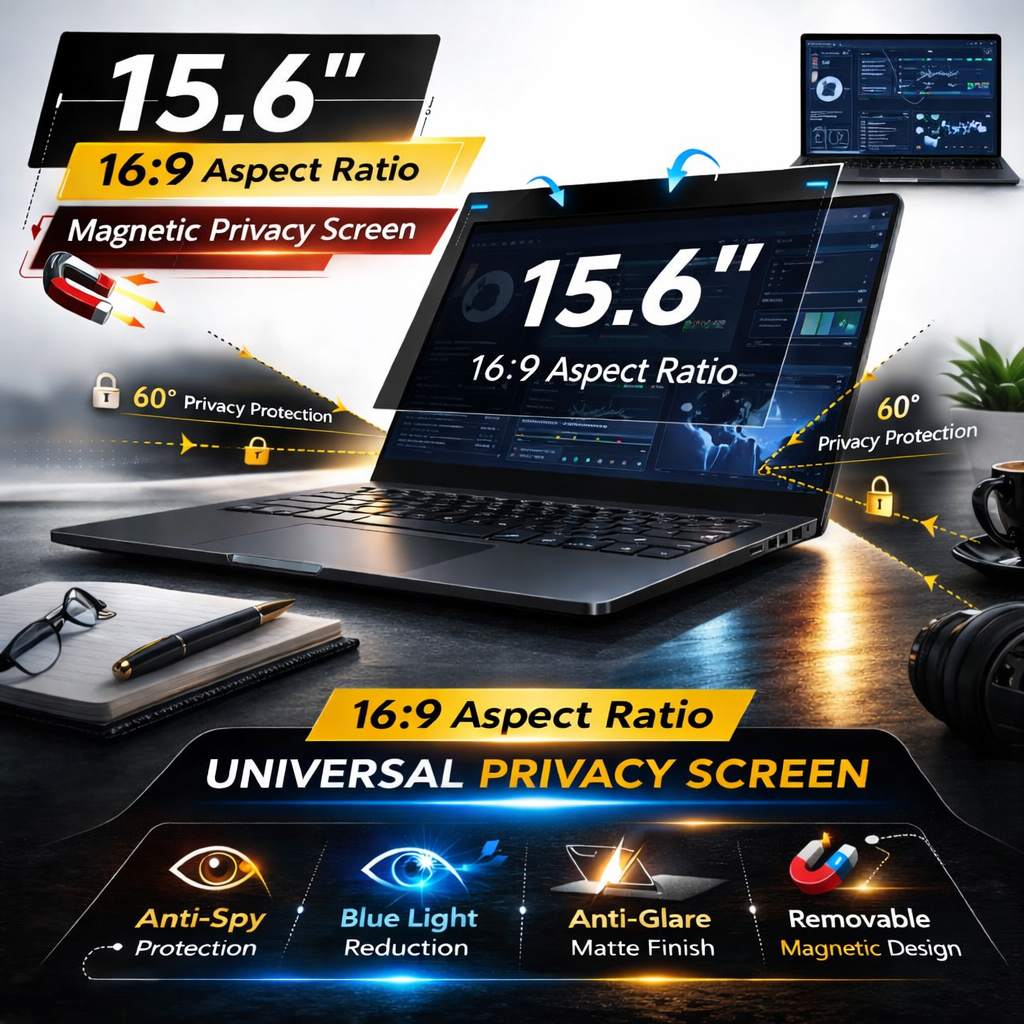
- 26° Privacy Filtering: Designed to limit screen visibility from side viewing angles.
- Enhanced Screen Privacy: Helps keep personal and professional information less visible to people around you.
- Public Workspace Friendly: Useful in offices, airports, cafés, libraries, co-working spaces and during travel.
- Professional Privacy: Suitable for business professionals, entrepreneurs, employees and students.
- Everyday Use: An additional privacy layer for regular MacBook usage.
Your MacBook. Your information. Your privacy.
2. Anti Blue Light MacBook Screen Filter – Blue Light Filtering Technology
MacBook displays emit visible light, including blue light. For users who spend extended periods working, studying or browsing on their MacBook, blue light filtering can be an additional feature to consider.
This MacBook screen protector incorporates Anti Blue Light Filtering Technology, designed to filter a portion of blue light emitted from the display while providing an additional screen filtering layer.
- Blue Light Filtering: Designed to filter blue light emitted from your MacBook display.
- Integrated Technology: Combines privacy filtering and blue light filtering in one product.
- For Daily MacBook Use: Suitable for office work, online meetings, reading, studying and entertainment.
- Work and Study Friendly: A practical choice for users who regularly spend time in front of their MacBook screen.
- Dual-Function Design: Enjoy 26° privacy filtering and Anti Blue Light filtering together.
Two useful screen features in one solution – Privacy Filtering + Anti Blue Light.
Magnetic & Snap-On Fitting Options
Choose the fitting option that best suits your MacBook display. Both options feature a removable design, subject to the compatibility of the selected model and fitting type.
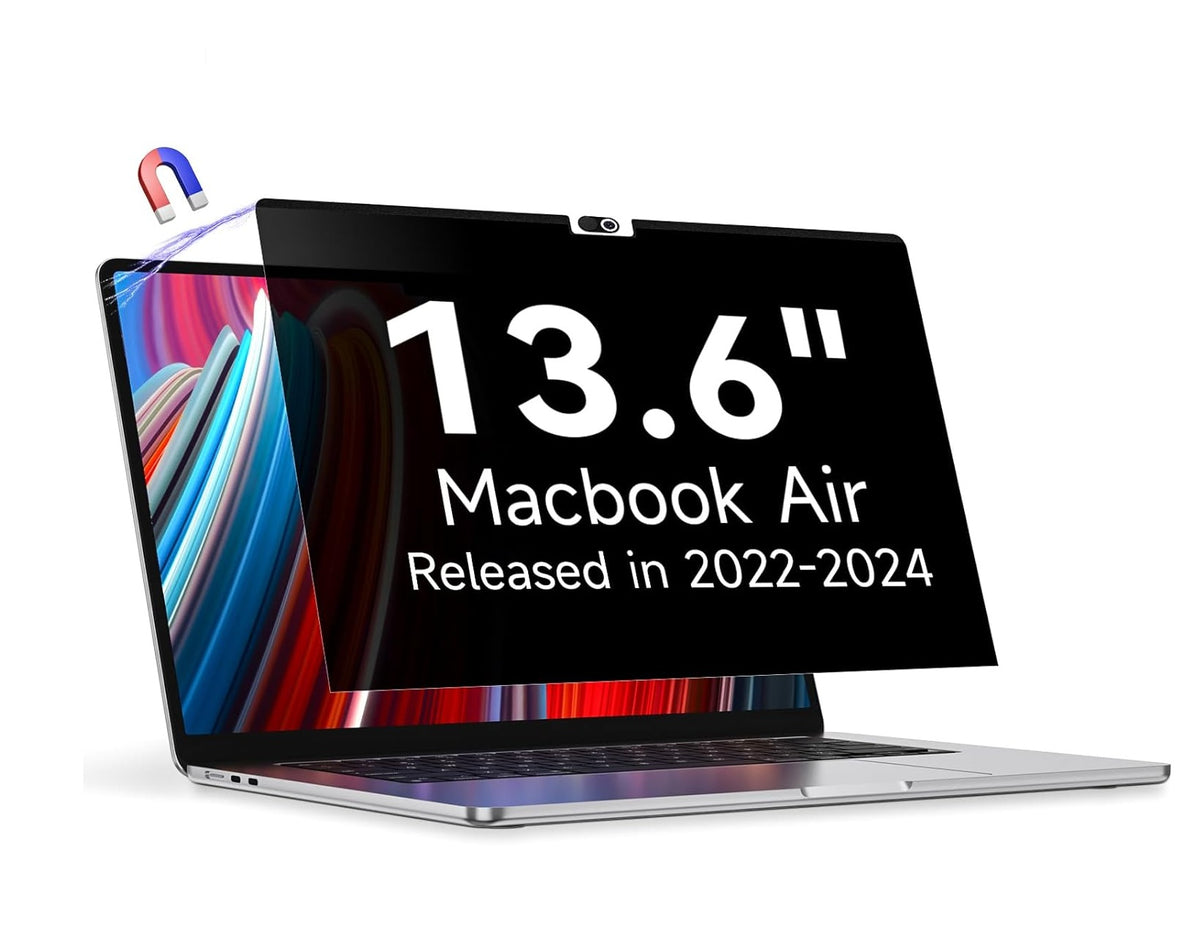
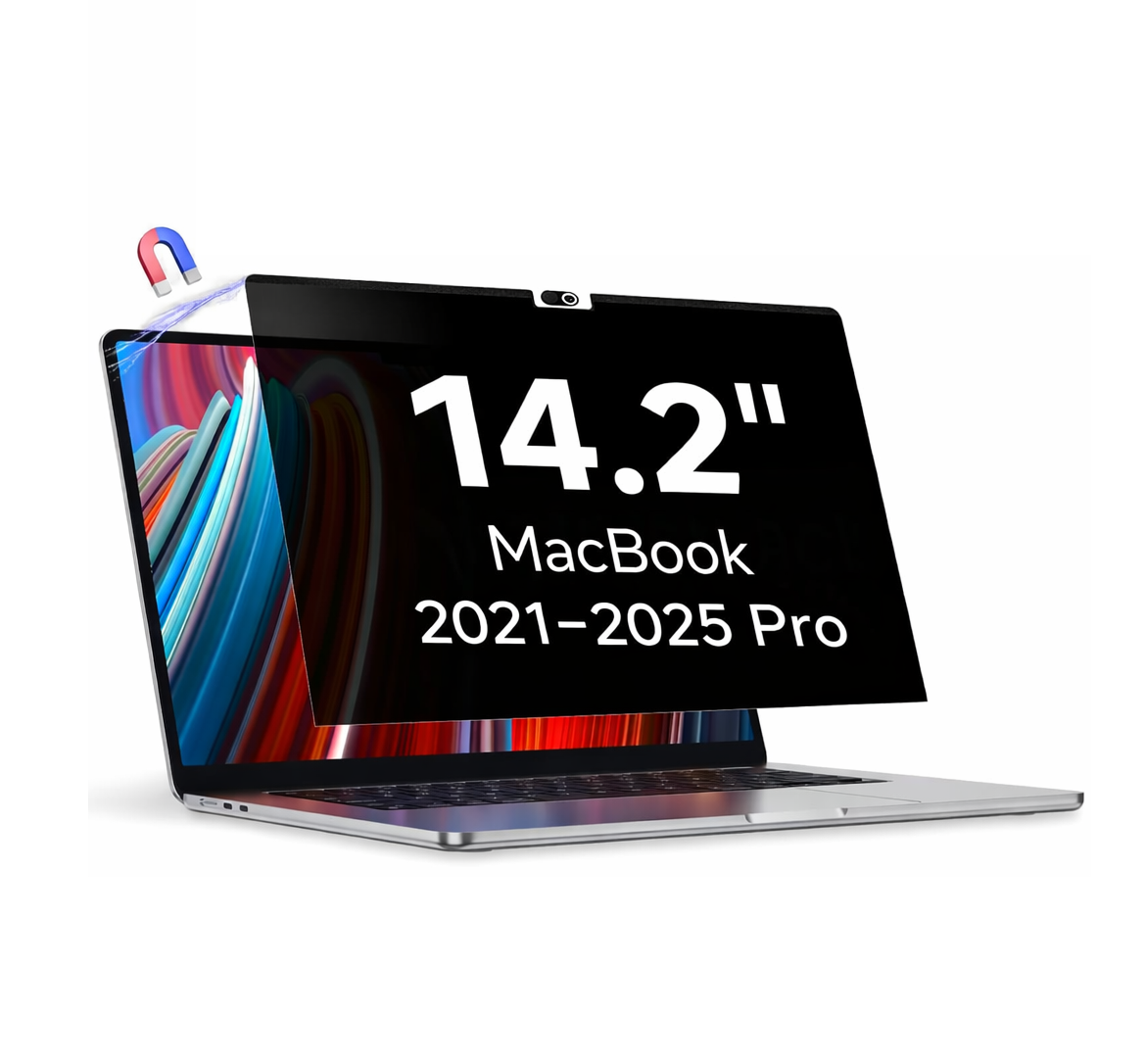
Magnetic MacBook Privacy Screen Protector
- Magnetic attachment option for compatible MacBook displays.
- Designed for convenient attachment and removal.
- Useful when you need to remove or reattach the privacy filter.
- Check the display frame and magnetic compatibility before ordering.
Snap-On MacBook Privacy Screen Protector
- Snap-On fitting option for compatible MacBook displays.
- Designed to hold the filter in position using its compatible attachment method.
- Removable design for convenient everyday use.
- Check the MacBook display frame and fitting requirements before ordering.
Available MacBook Screen Sizes
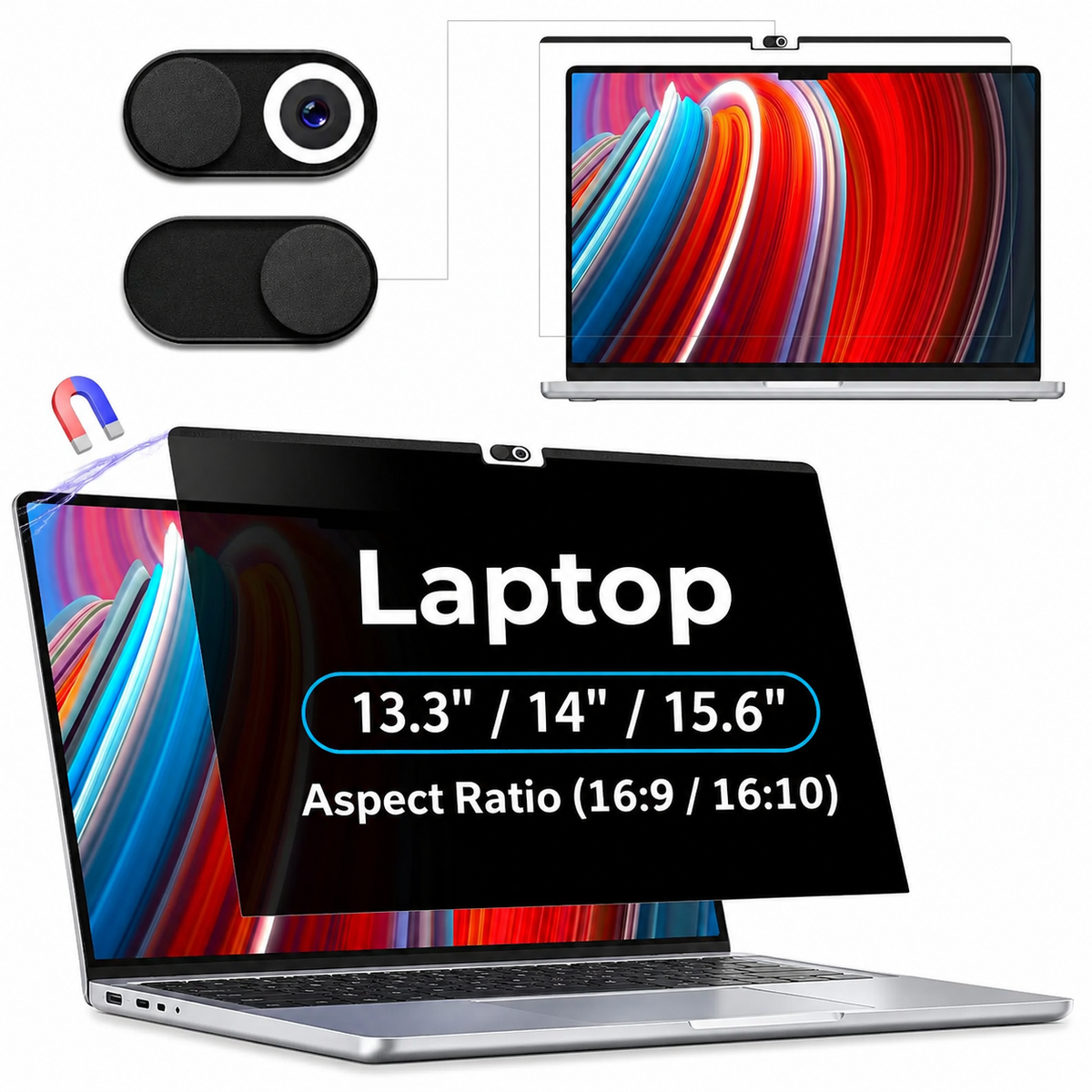
Select the correct screen size for your MacBook. Available size options include:
- 13.3 Inch MacBook Screen Filter
- 13.6 Inch MacBook Screen Filter
- 14.2 Inch MacBook Screen Filter
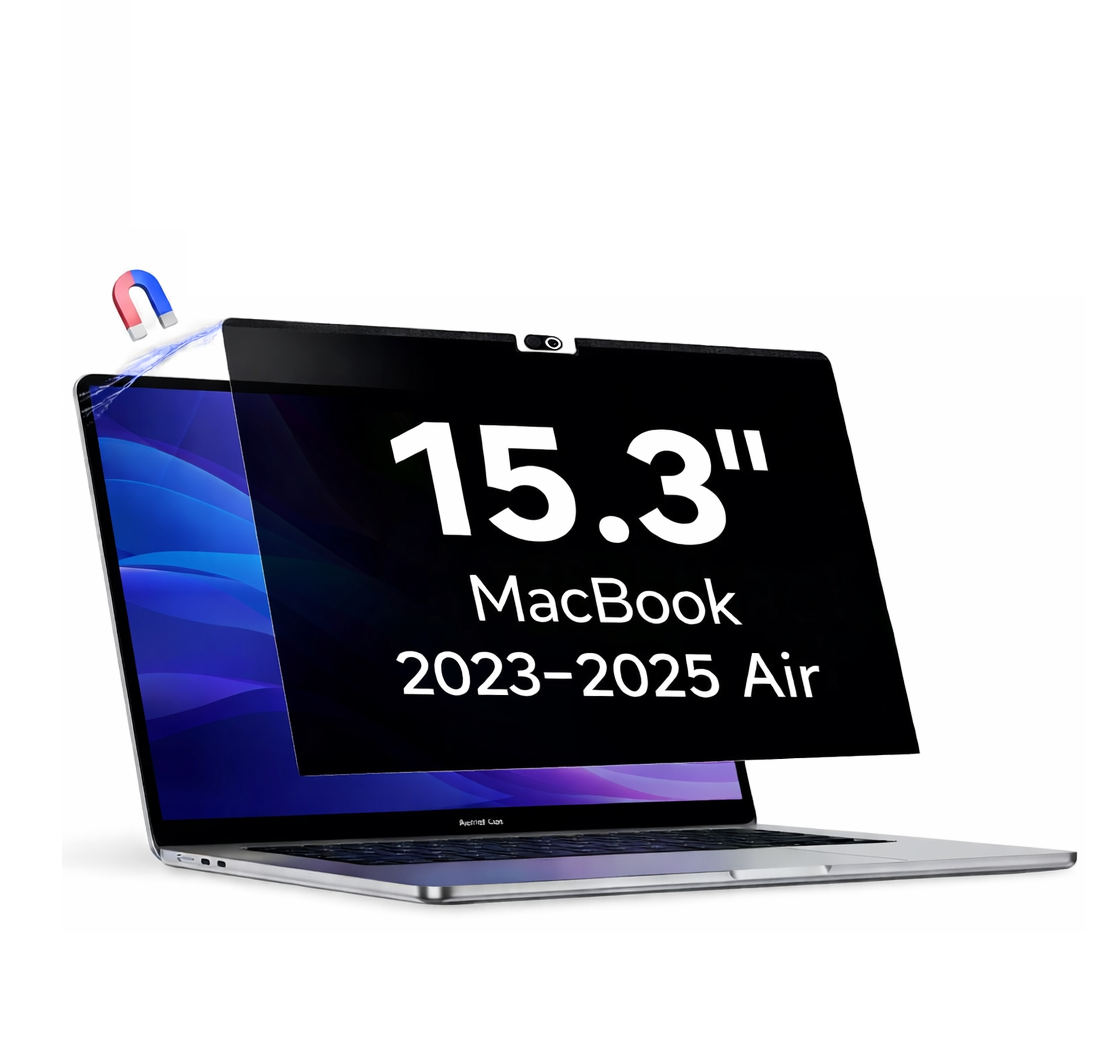
- 15.3 Inch MacBook Screen Filter
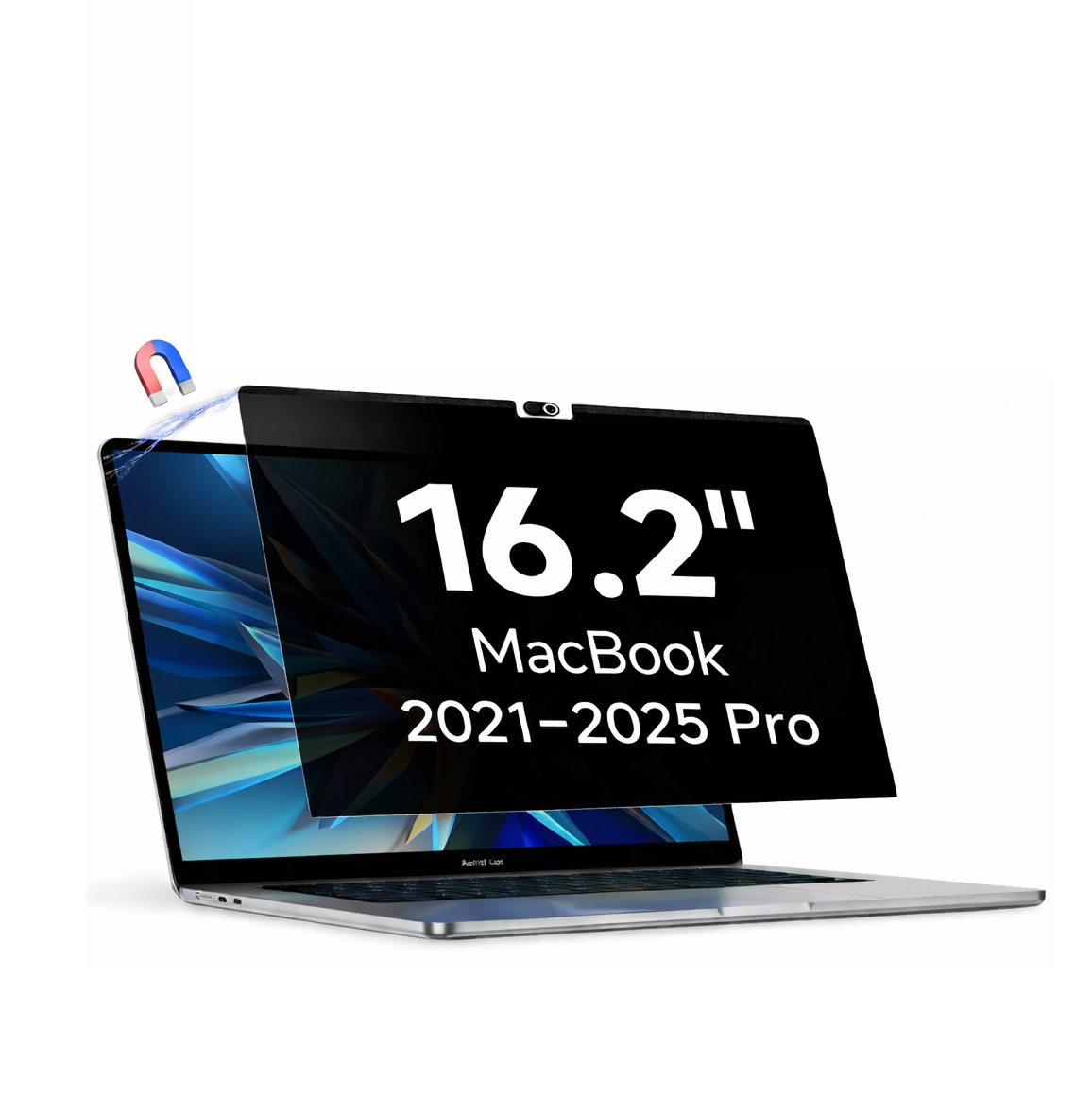
- 16.2 Inch MacBook Screen Filter
These sizes are intended for compatible MacBook displays. Please verify the actual display dimensions and model compatibility before ordering.
Designed for MacBook Air & MacBook Pro Users
Whether you use your MacBook for professional work, business, education or personal activities, this privacy screen filter offers a combination of visual privacy and blue light filtering.
- MacBook Air Users: An additional privacy and blue light filtering accessory for compatible MacBook Air displays.
- MacBook Pro Users: Designed for compatible MacBook Pro screen sizes.
- Business Professionals: Helps maintain greater visual privacy while working with confidential information.
- Students: Suitable for studying, reading and working in shared spaces.
- Frequent Travellers: Useful when using your MacBook in airports, cafés, trains and other public environments.
- Remote Workers: A practical screen accessory for working from different locations.
Why Choose This MacBook Privacy Screen Protector?
- 26° Privacy Screen Filtering
- Anti Blue Light Filtering Technology
- Two-in-One Privacy and Blue Light Filtering Solution
- Magnetic and Snap-On Fitting Options
- Removable Design
- Multiple MacBook Screen Size Options
- Suitable for Compatible MacBook Air and MacBook Pro Displays
- Designed for Office, Business, Study and Everyday Use
Frequently Asked Questions (FAQs)
Q1. What is a MacBook Privacy Screen Protector?
A MacBook privacy screen protector is an additional screen filter designed to restrict screen visibility from side viewing angles. It helps reduce the visibility of your on-screen information to people sitting beside you.
Q2. What does 26° Privacy mean?
26° Privacy refers to the privacy filtering specification of this product. It is designed to limit screen visibility from side viewing angles. Actual performance may vary depending on display type, screen brightness and viewing conditions.
Q3. Does this MacBook screen protector include Anti Blue Light?
Yes. This product combines a 26° privacy filter with Anti Blue Light Filtering Technology. Both features are integrated into one screen protector.
Q4. How does Anti Blue Light Filtering work?
Anti Blue Light Filtering Technology is designed to filter a portion of blue light emitted from the MacBook display. The exact filtering percentage and wavelength range depend on the product's tested technical specifications.
Q5. Is this product compatible with MacBook Air and MacBook Pro?
It is available in sizes intended for compatible MacBook Air and MacBook Pro displays. Please verify your exact MacBook model, display dimensions and fitting requirements before placing your order.
Q6. What MacBook screen sizes are available?
Available size options include 13.3 inch, 13.6 inch, 14.2 inch, 15.3 inch and 16.2 inch. Select the size that matches your compatible MacBook display.
Q7. Is the MacBook privacy screen available in Magnetic and Snap-On options?
Yes. Both Magnetic and Snap-On fitting options are available. Choose the option compatible with your MacBook display.
Q8. Can I remove the MacBook privacy screen protector?
Yes. It features a removable design. The attachment and removal process depends on the selected fitting option.
Q9. Can other people see my MacBook screen from the side?
The 26° privacy filter is designed to restrict visibility from side viewing angles. Actual visibility depends on the display, viewing position, brightness and surrounding lighting conditions.
Q10. Is this screen protector useful for office and business work?
Yes. It is suitable for compatible MacBook displays used for office work, business documents, emails, presentations and other professional activities where additional visual privacy may be useful.
Q11. Does Anti Blue Light mean 100% blue light blocking?
No. Blue light filtering does not necessarily mean complete blue light blocking. The exact filtering performance depends on the product's tested technical specifications.
Q12. How do I select the correct MacBook privacy screen size?
Check your exact MacBook model and display size before ordering. MacBook Air and MacBook Pro models can have different display dimensions even when their advertised screen sizes appear similar. Select the correct size and fitting option for your model.
Important Compatibility Information
Before placing your order, please verify:
- Your MacBook model – MacBook Air or MacBook Pro.
- Your actual display size.
- Your preferred fitting option – Magnetic or Snap-On.
- Compatibility with the display frame and dimensions.
Upgrade your MacBook screen experience with two essential features in one accessory – 26° Privacy Filtering and Anti Blue Light Filtering.
Share